Bridging the Word Gap app icon
Free app · Ages 3–5 · English · Spanish · Amharic

Bridging the Word Gap

Real photos, a friendly voice, and your child’s own words. Five hundred Pre-K words across ten everyday themes, taught the way a great preschool teacher would: hear it, say it, find it.

Download on the App StoreGet it on Google Play

Free. No account, no ads, no in-app purchases. Works on iPhone, iPad, and Android phones and tablets.

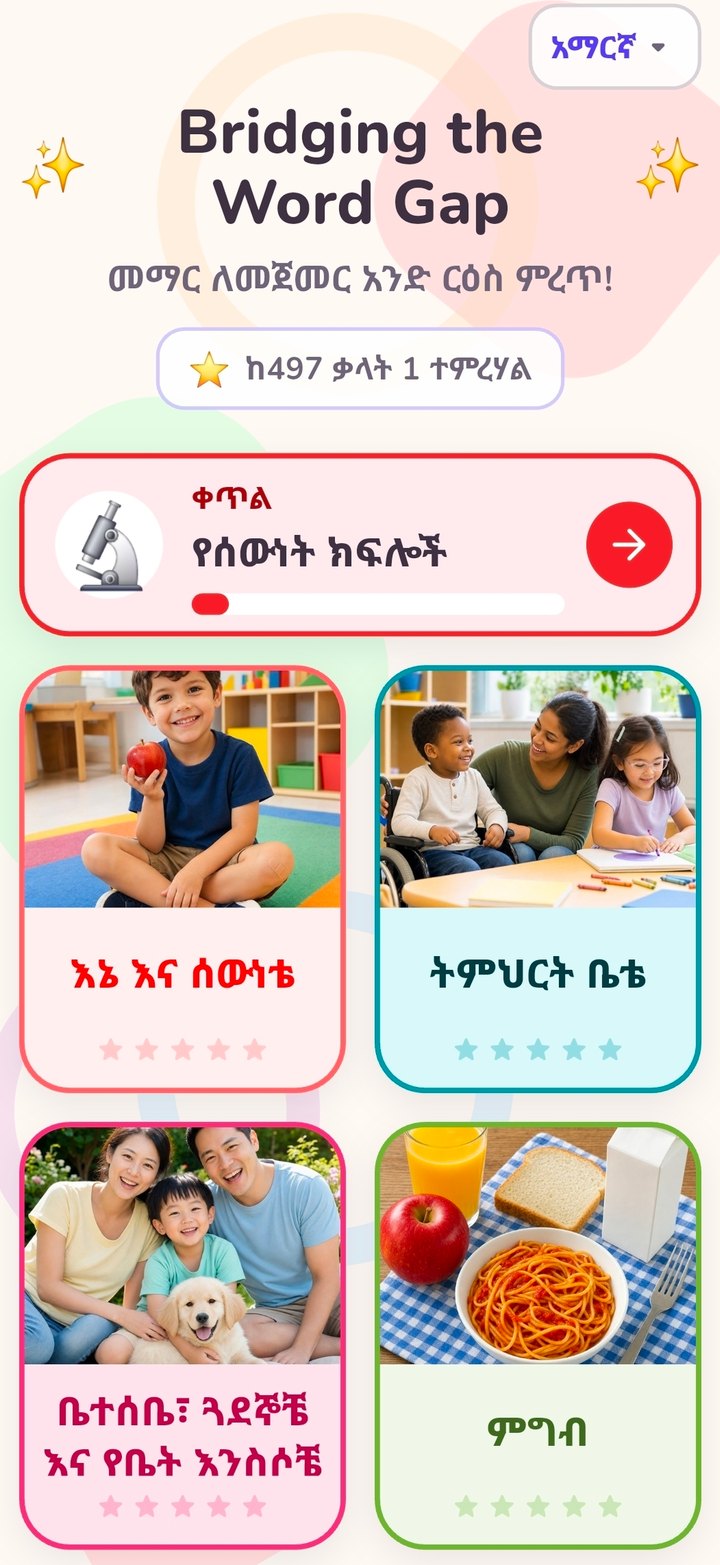
The Bridging the Word Gap home screen showing the ten vocabulary themes
How it works

Five steps per theme, no reading required.

Every screen is spoken aloud and navigated by pictures, so a three-year-old can drive it alone — and a grown-up can follow along in any of the three languages.

1
Meet the theme

A plain-language introduction to the theme and why these words matter.

2
Explore the picture map

Word groups laid out as a semantic map, so children see how the words connect.

3
Hear it, then say it

The app says each word and what it means, then listens as your child repeats it — and celebrates with confetti.

4
Find the Picture

Three photos, one spoken word. Tapping the right one shows the word is known.

5
Keep it going at home

Grown-up ideas for using the new words at the table, in the car, and at bedtime.

500 words · 10 themes

The everyday vocabulary that research links to later reading.

Families can complete one theme a month across the school year, in the language spoken at home. Each theme builds the background knowledge that makes comprehension possible later on.

Me and My BodyMy SchoolMy Family, Friends & PetsFoodAnimalsInsectsPlantsClothesCommunity HelpersTransportation
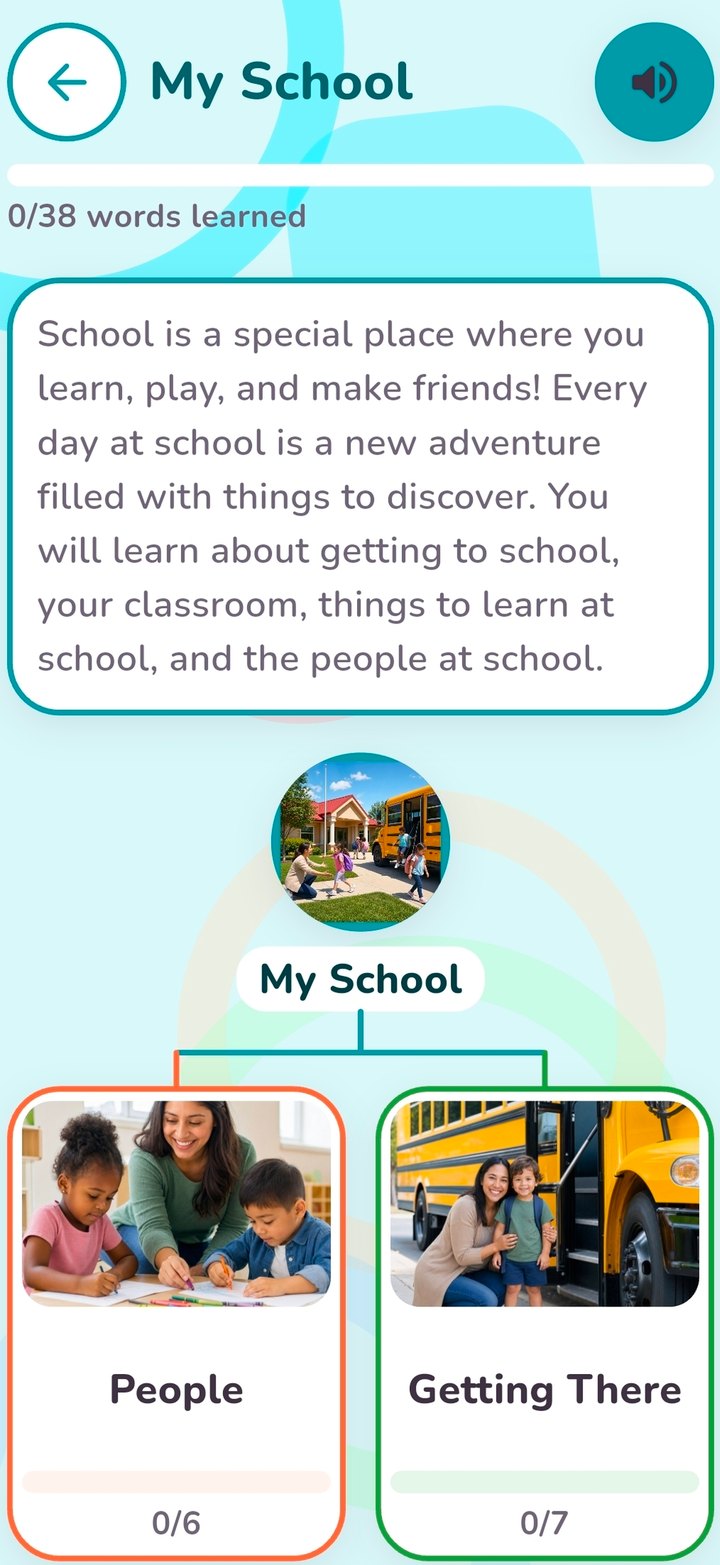
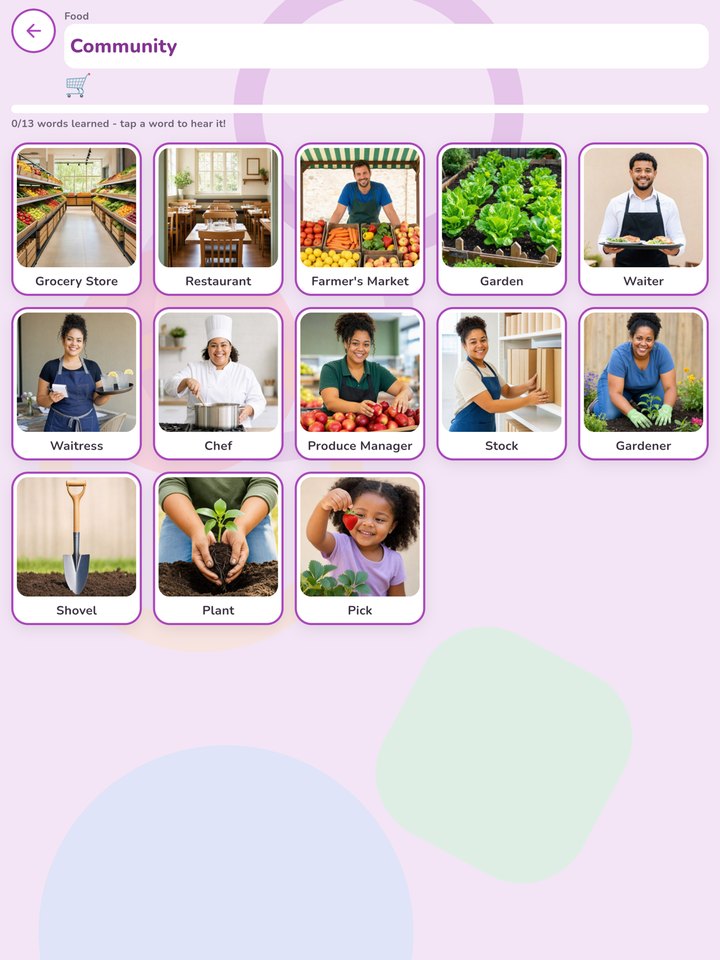
A theme screen in the app: My School, with photo word cardsA word-group screen with real photographs of community helpers
Made for pre-readers

Built around how young children actually learn words.

Aa
Nothing to read

Every screen is spoken aloud and navigated by pictures. Big buttons and simple flows a three-year-old can use alone.

◎
Real photographs

Photos, not cartoons, so every word connects to the real world a child sees every day.

♪
“Your turn — repeat after me”

The app listens as your child says each word and cheers them on. Speech is recognized on the device itself; nothing is recorded, stored, or sent anywhere.

3
Three languages

Switch between English, Spanish, and Amharic at any time. Every word, definition, and prompt is narrated in all three.

★
Progress that stays

Learned words are starred and saved on the device, so children can pick up where they left off.

✓
Free and private

No account, no sign-in, no ads, and no in-app purchases. The app collects no data.
One app, three languages

The same words, in the language spoken at home.

Choose English, Spanish, or Amharic from the home screen. Families can switch at any time, and the narration, definitions, and prompts all follow.

The app home screen in English
English
The app home screen in Spanish
Español
The app home screen in Amharic
አማርኛ · Amharic
Get the app

Download Bridging the Word Gap

Free on the App Store and Google Play. On a phone or tablet, tap a badge. On a computer, scan a code with your phone’s camera.

Download on the App StoreGet it on Google Play

Requires iOS 15 or later, or Android. Developed by CIRRUS Information Technology Resources for Educational Solutions for Children, Inc. under the Birth to Five Comprehensive Literacy State Development grant. Privacy policy

Using the app at home or in class?

The For Families page pairs each theme with five-minute activities, and the Oral Language practice explains the research behind it.

© Educational Solutions for Children · Ending achievement gaps for at-risk children
Developed with Bridges PCS and Capital City PCS under the Comprehensive Literacy State Development grant
Developed by CIRRUS Information Technology Resources LLC